Lodge a protest
You can protest against the provisional classification from your entry page. This works only if the organiser takes protests online, your role on the entry is allowed to lodge one, your entry holds a place in the event and the protest window is open. Otherwise hand a written protest to the secretary.
Lodge a protest
- Open "My entries" and choose your entry.
- Find the section "Protests and decisions". If the organiser has not turned online protests on, or the window is closed, the section tells you why instead of showing the form.
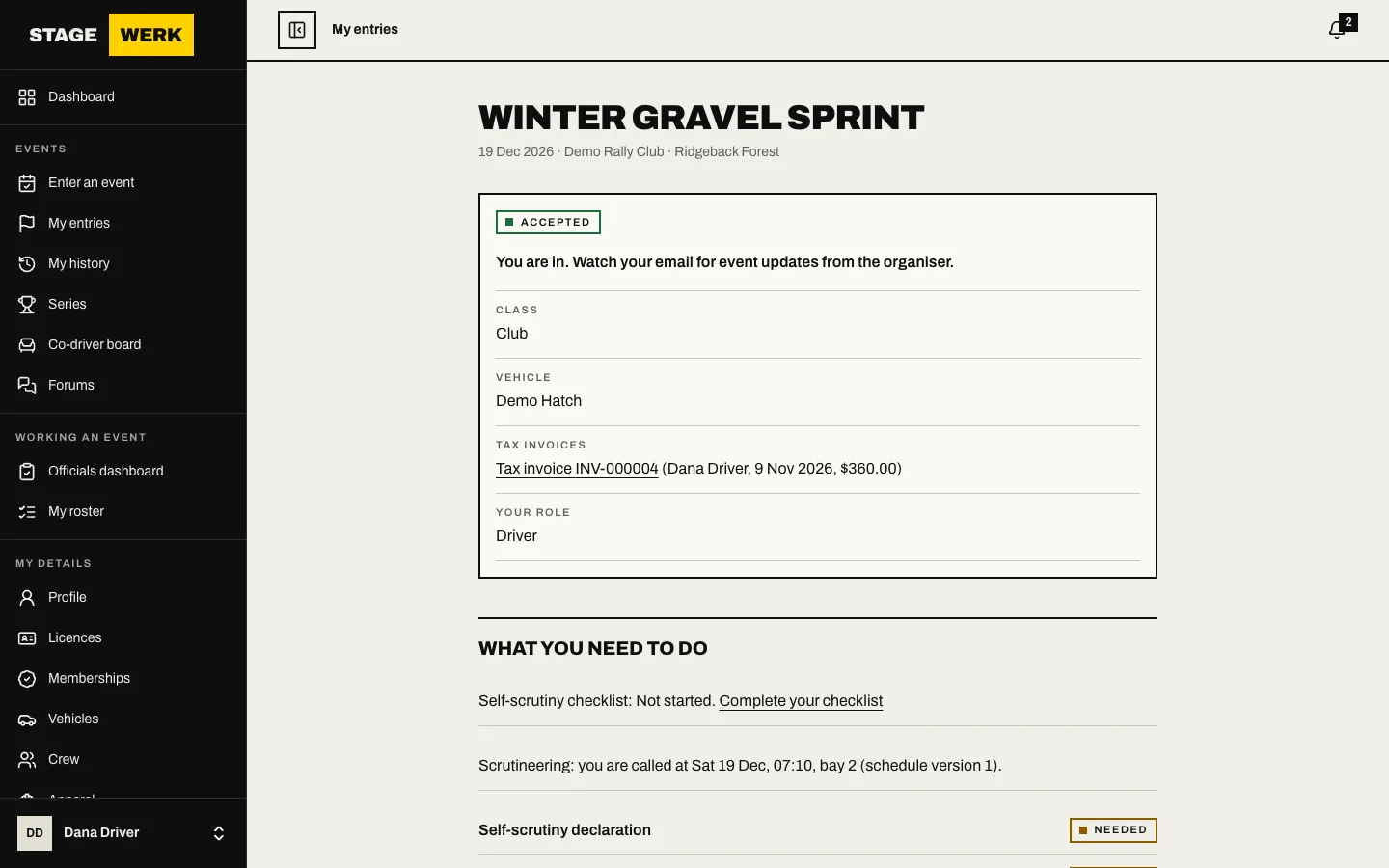
- Under "Lodge a protest", choose "What does it concern?": another entry, your own result or an earlier decision. Pick the "Entry" or "Decision" that it names.
- Write the "Grounds". Say what happened, where and which rule you rely on. It is plain text.
- If the event has a protest fee the form shows it. Tick the box to confirm you will pay the fee to the secretary. It is not paid through the site.
- Choose "Lodge protest".
Follow it
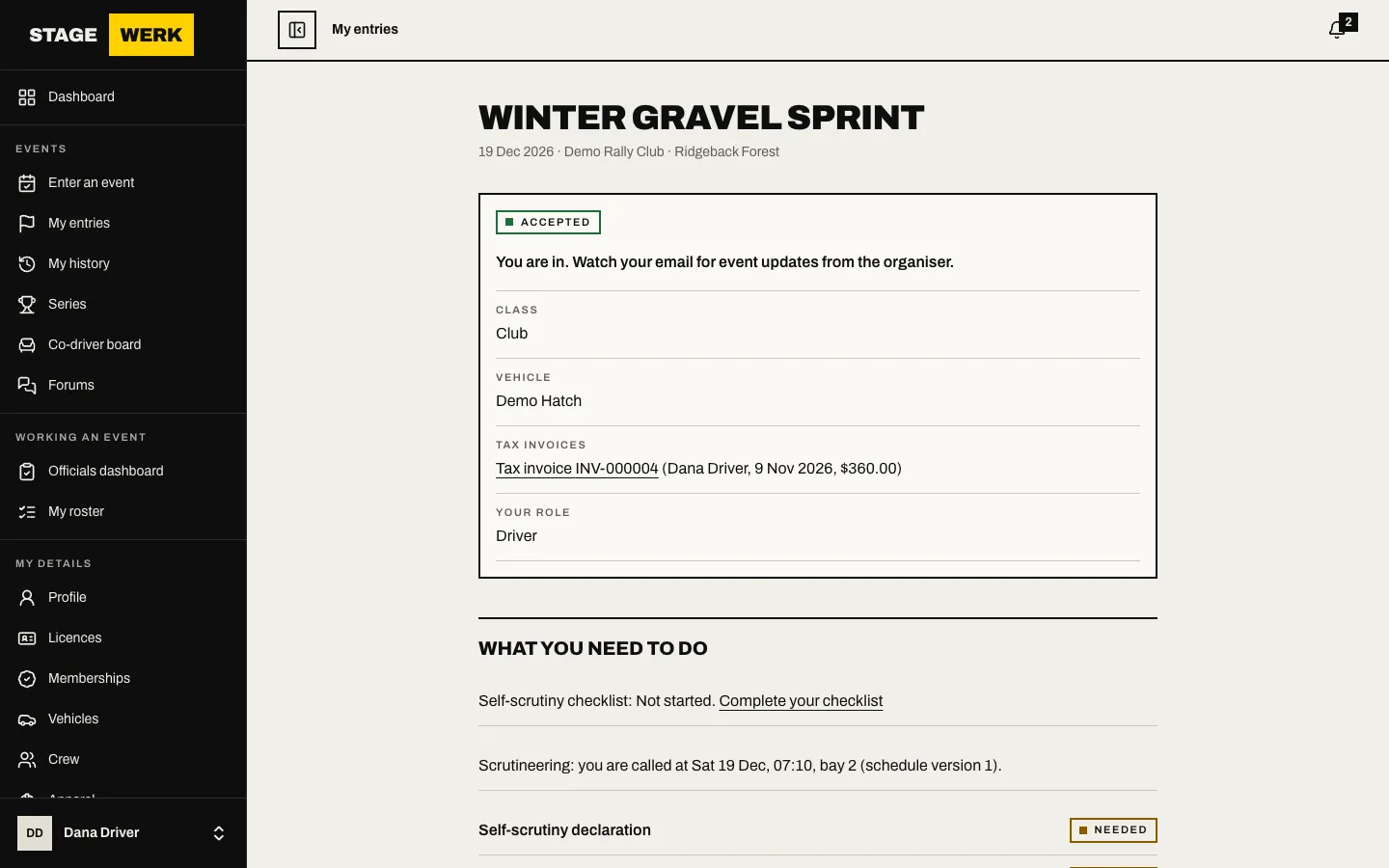
Your protests appear under "Your protests" with their number and status. You can withdraw one before it is decided by choosing "Withdraw this protest". When the stewards publish a decision, you are emailed. Decisions that name your entry are listed under "Decisions that name this entry".
If you disagree with a decision, the right of appeal is described on the decision document.
https://develop.stagewerk.com/help