Publish results and the final classification
Competitors see no results until you publish. You publish a provisional classification first, which can be repeated as times change, then sign off a final one. Publishing a version takes a snapshot, so earlier versions stay on record.
Anyone with the results permission can publish a provisional classification. Signing off the final needs the sign-off permission, which owners and stewards have.
Check the classification
- Open the event, choose "Results", then "Classification".
- The page shows the classification as calculated now, with the method named under the heading. Below it, "Live classification" is calculated now and is not published until you publish a version.
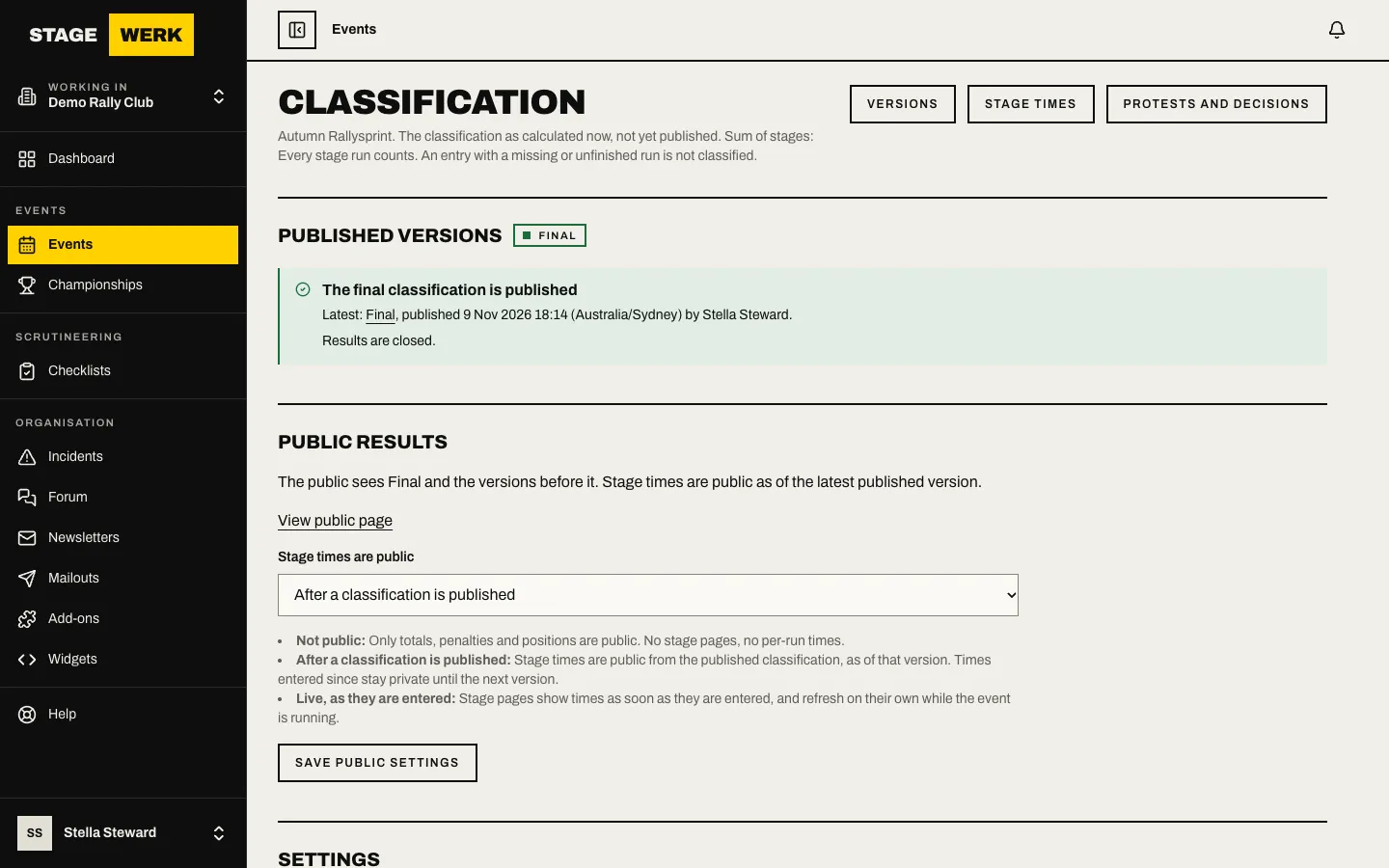
- If nothing has been published, the page says "Nothing has been published". Competitors see no results until you publish a provisional classification.
Choose how it is worked out
Under "Settings" you can set:
- "Method" for how stage times become a classification.
- "Protest window (minutes, 0 to 1440)" for how long competitors can protest after a provisional version.
- "Runs that count per stage", "Tie-break" and "Time for a run not finished".
Choose "Save settings".
Publish a provisional classification
- Choose "Publish provisional classification".
- Read "Publish the provisional classification?" and choose "Publish provisional".
The version appears under "Published versions" and the protest window starts. If you change times and publish again, the page shows "Changes since" the last version, and a new provisional restarts the window. If nothing has changed it tells you there is nothing new to publish.
Decide what the public sees
Under "Public results" the page says what is public and offers "View public page" once there is a version and the event is public. Use "Stage times are public" to choose whether stage times appear, then choose "Save public settings".
Sign off the final
- Deal with any open protests first. See Run protests and publish decisions. A final cannot be published while a protest is open.
- Under "Sign off the final classification" check the provisional version.
- If the protest window is still open, give a "Reason for publishing before the protest window closes (required while it is open)". If an appeal is noted as open, confirm with "Confirm you still want to publish the final, and say why (required)".
- Choose "Sign off and publish final" and confirm "Publish the final classification?" with "Publish final".
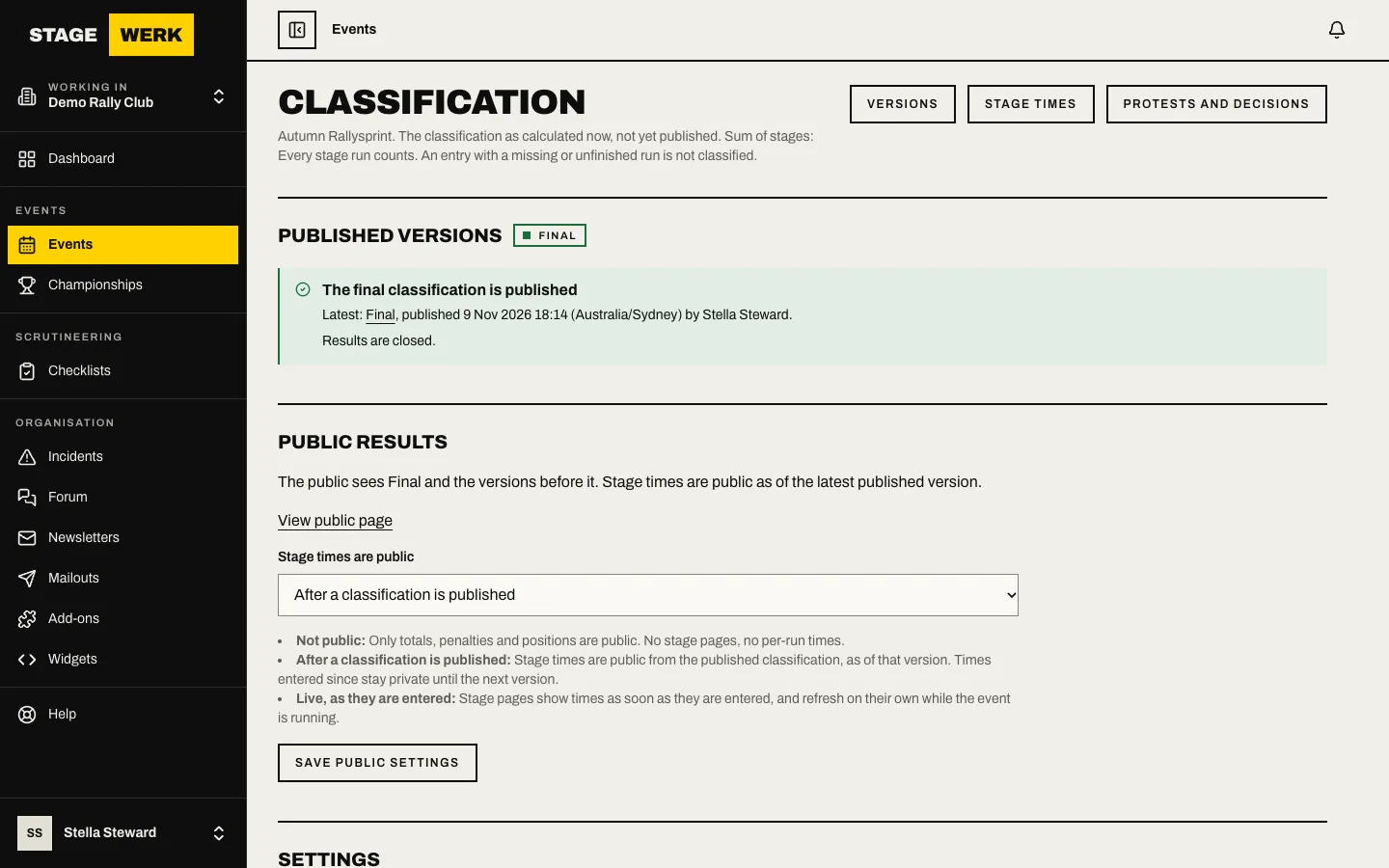
Once the final is published, results are closed and nothing more can be published.
Versions and printing
Choose "Versions" to see every published version and open one. Each version can be printed or downloaded as a CSV. Series points are worked out from the final results. See Series and seasons.
https://develop.stagewerk.com/help